
Make Lottie animations that respond.
Lumetrope is a free, open-source editor for Lottie and dotLottie. Animate on a real timeline, wire up state machines that react to clicks and hovers, and let AI agents work alongside you over MCP, on the desktop or in your browser.


MIT licensed. Desktop builds for macOS (Apple Silicon and Intel) and Linux (x64 and ARM64), and the web app in any modern browser.

Lumi is a dotLottie state machine. Move your pointer, hover or click.
Watch a project come together
From a blank canvas to an interactive dotLottie: drawing, keyframes, a state machine, preview and export, recorded in the real editor.

Inside the editor
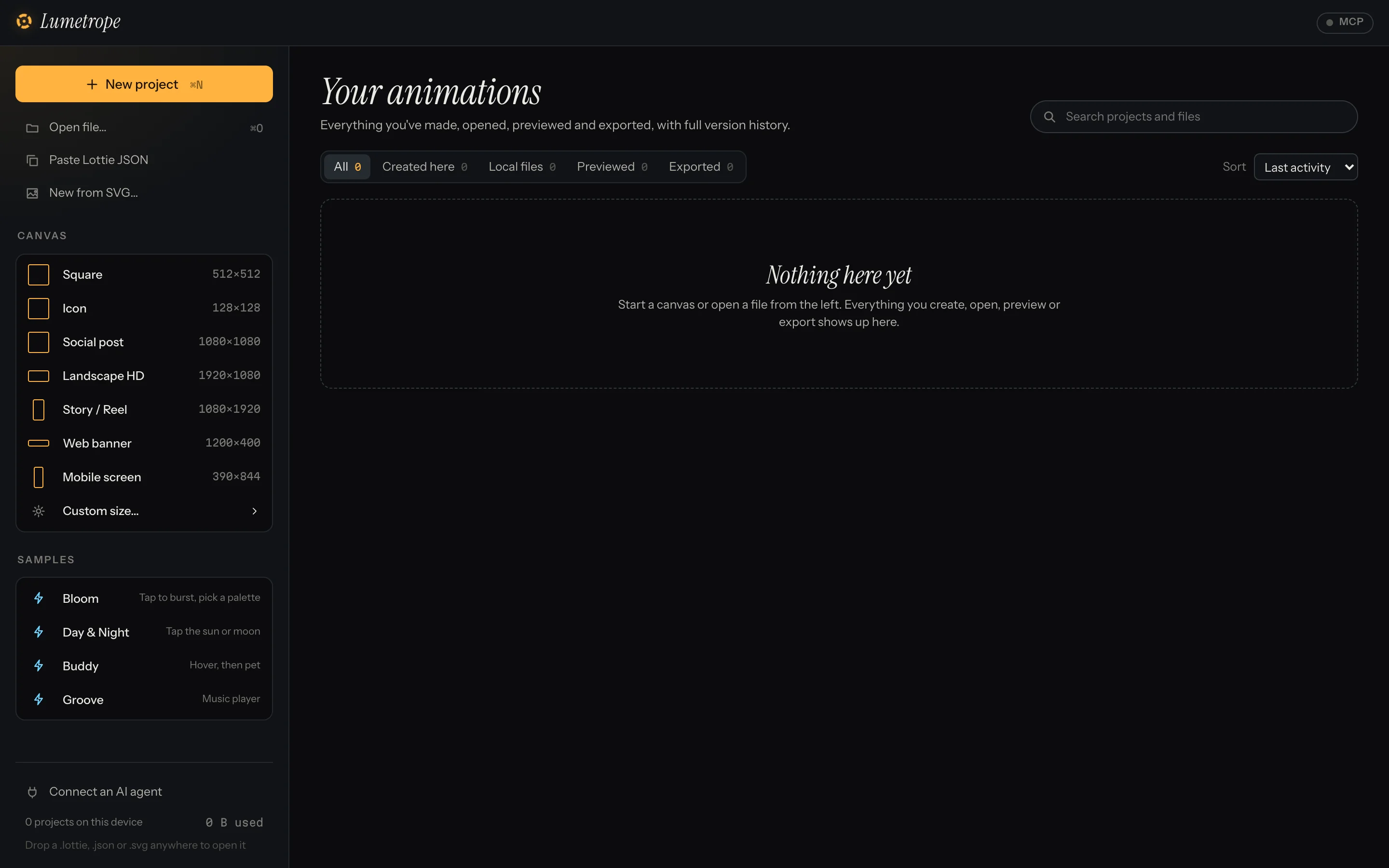
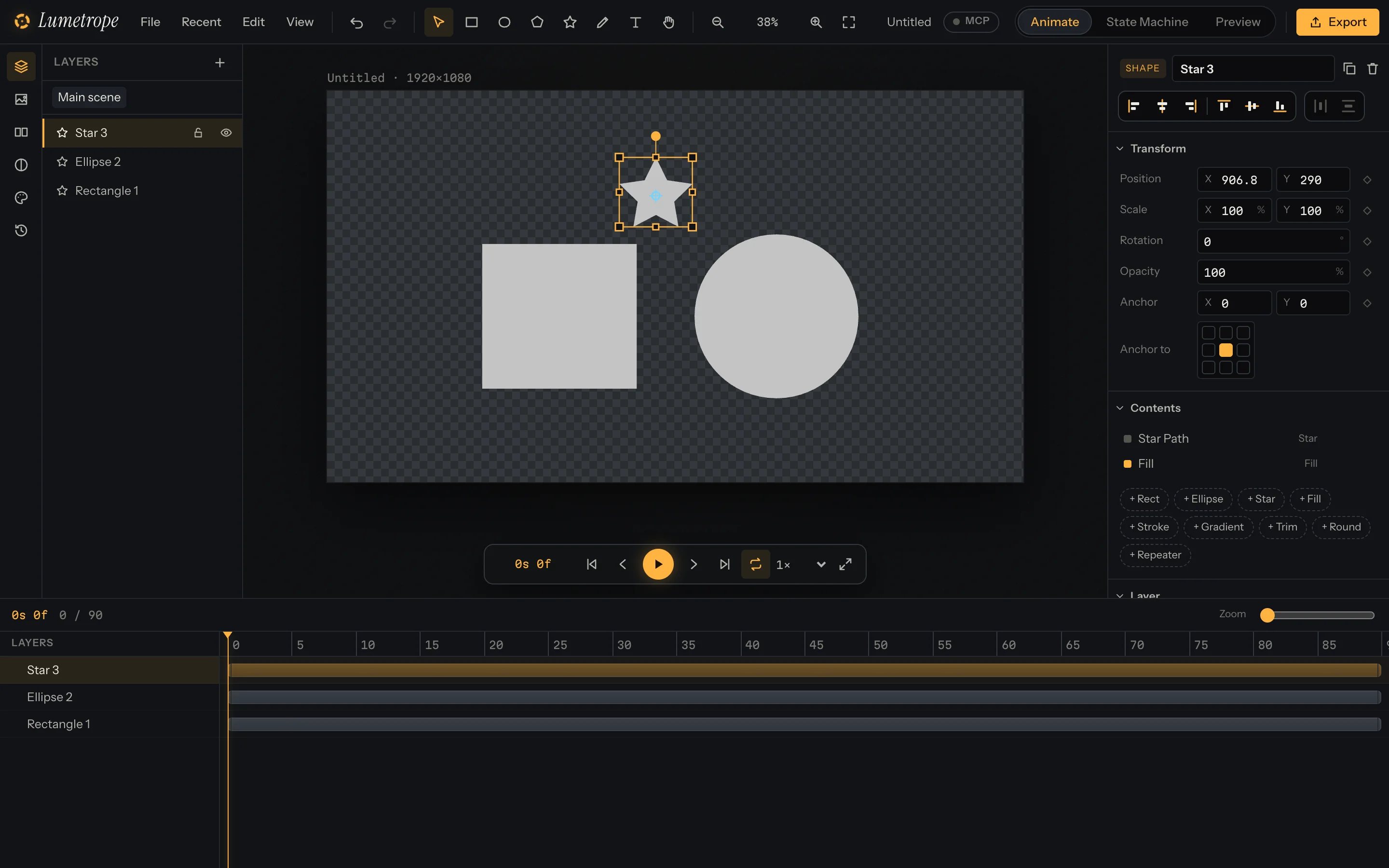
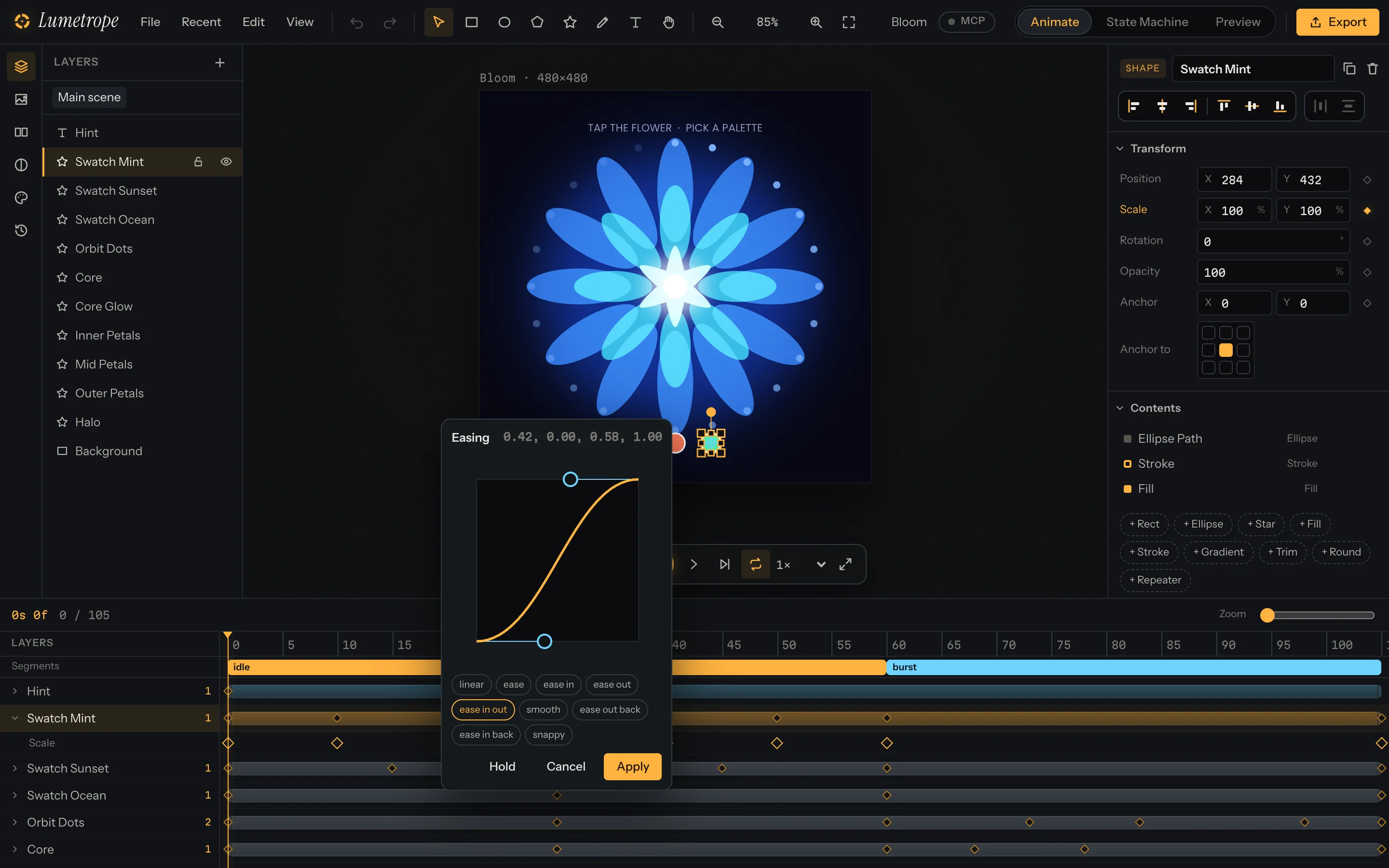
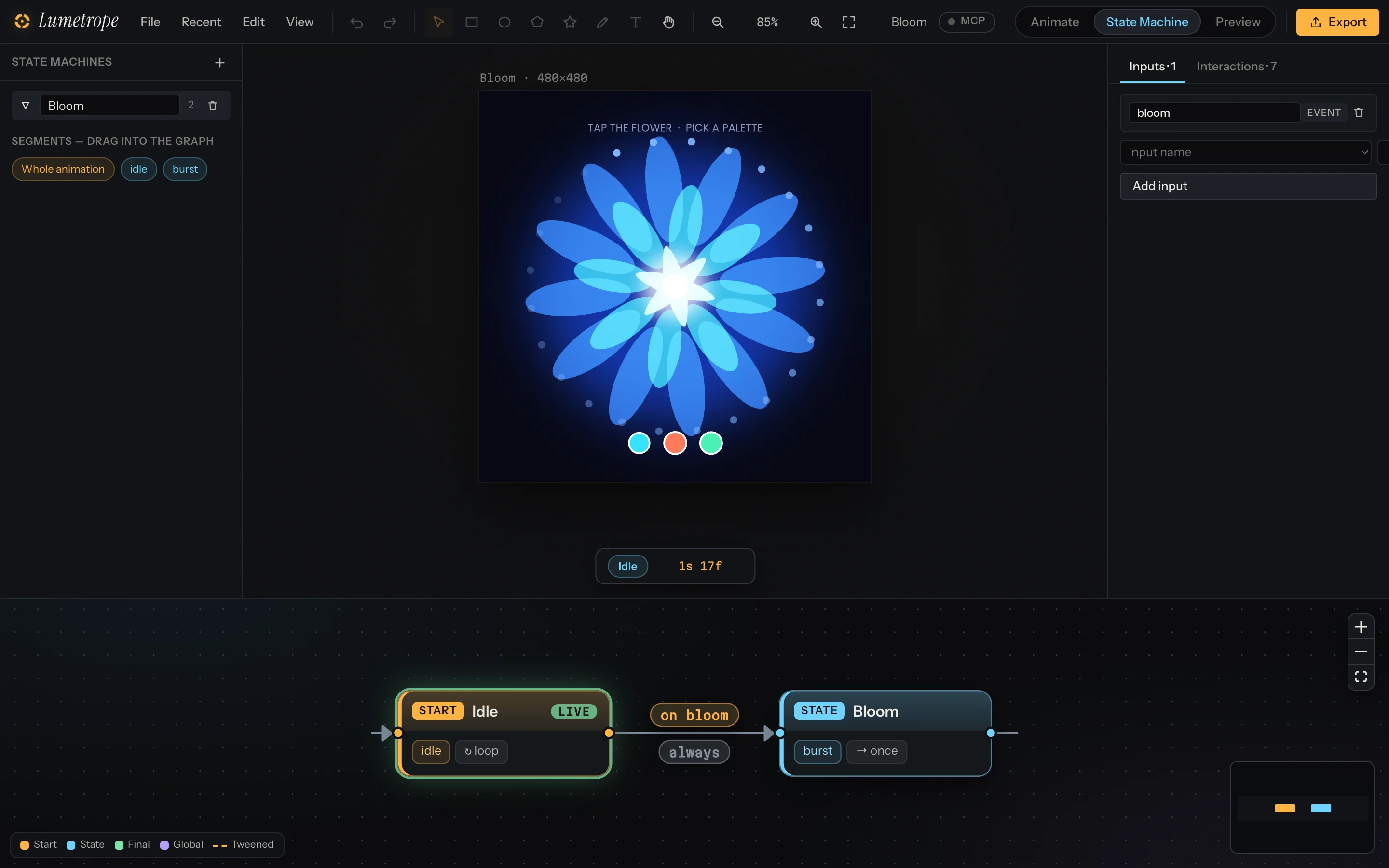
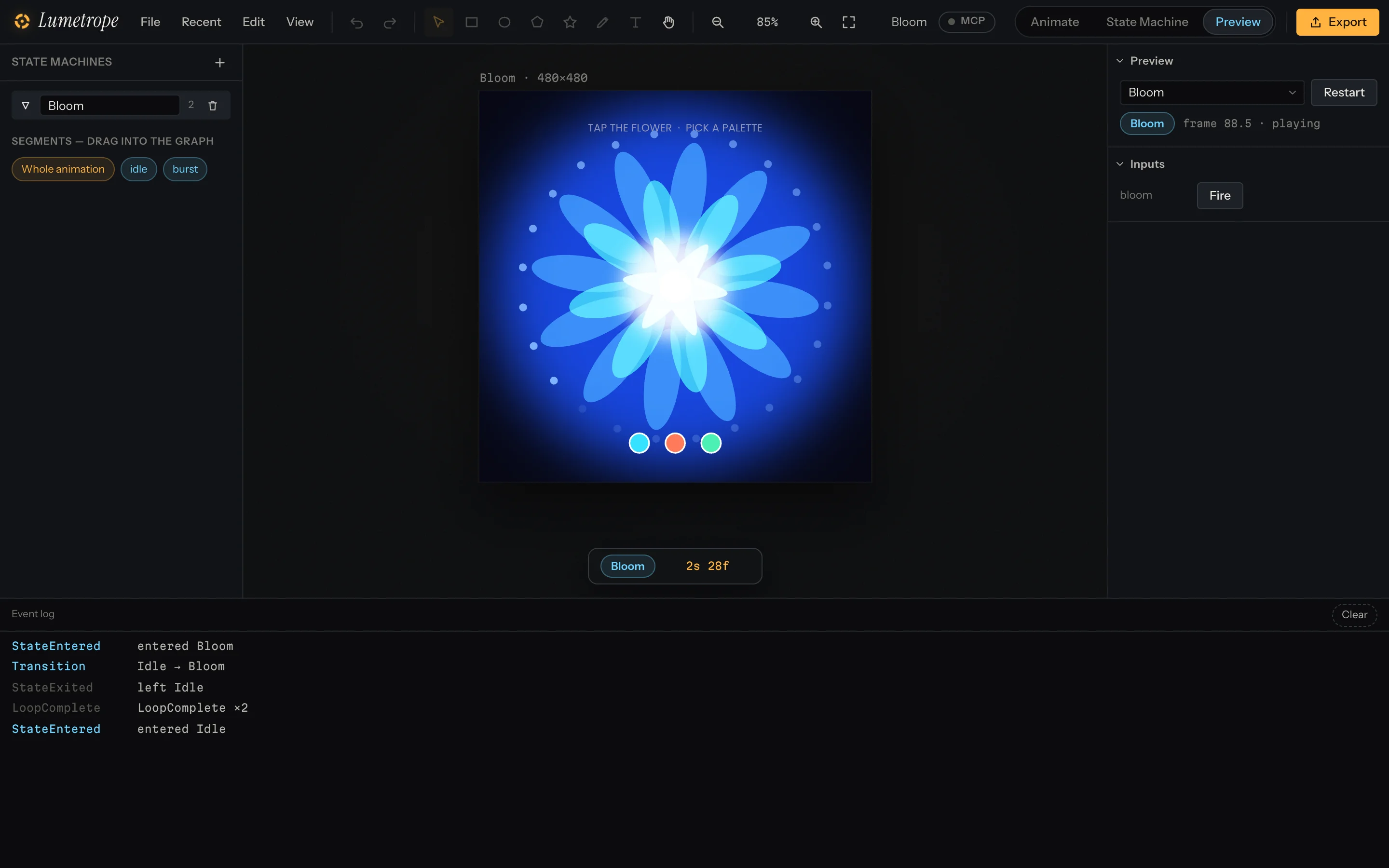
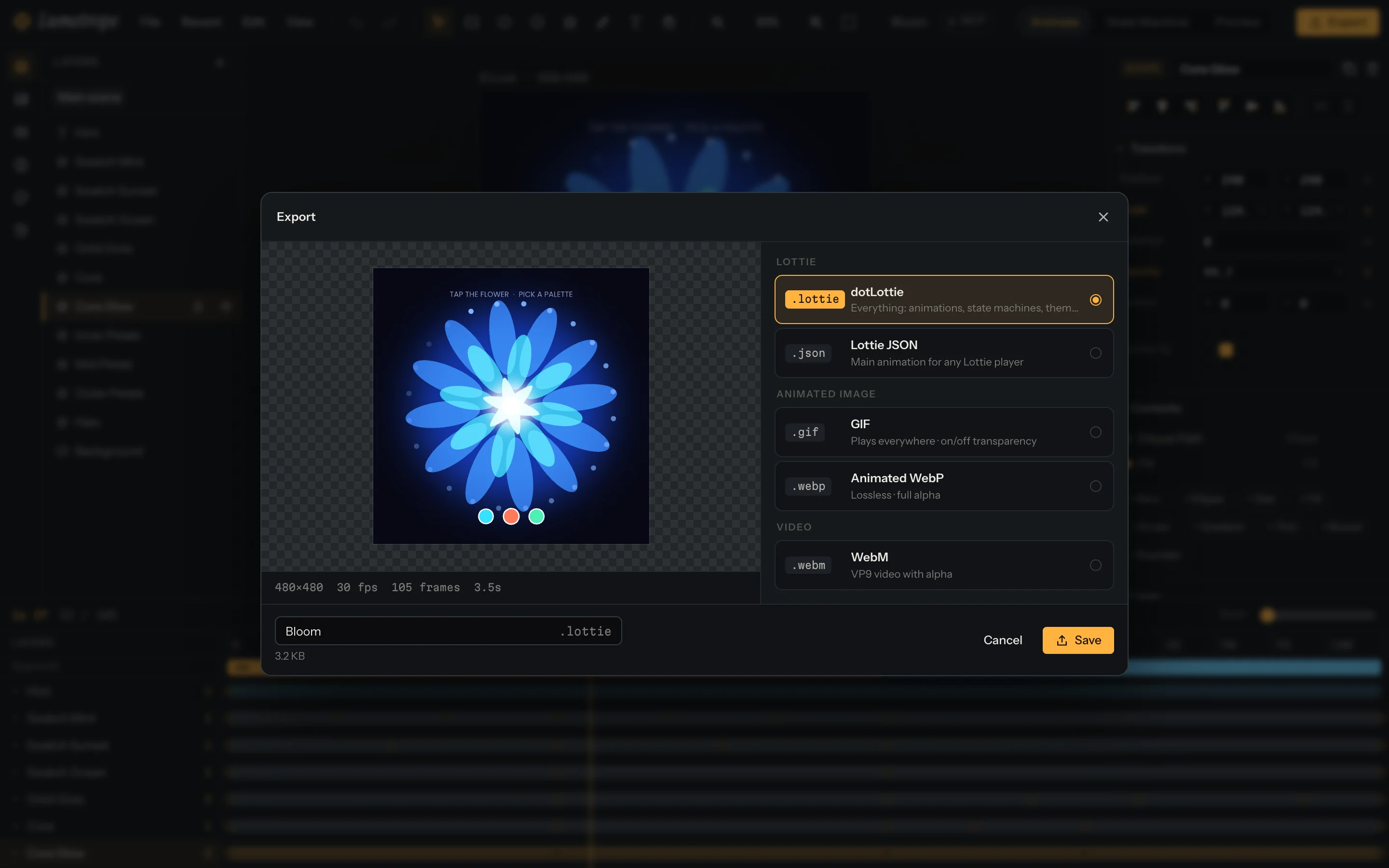
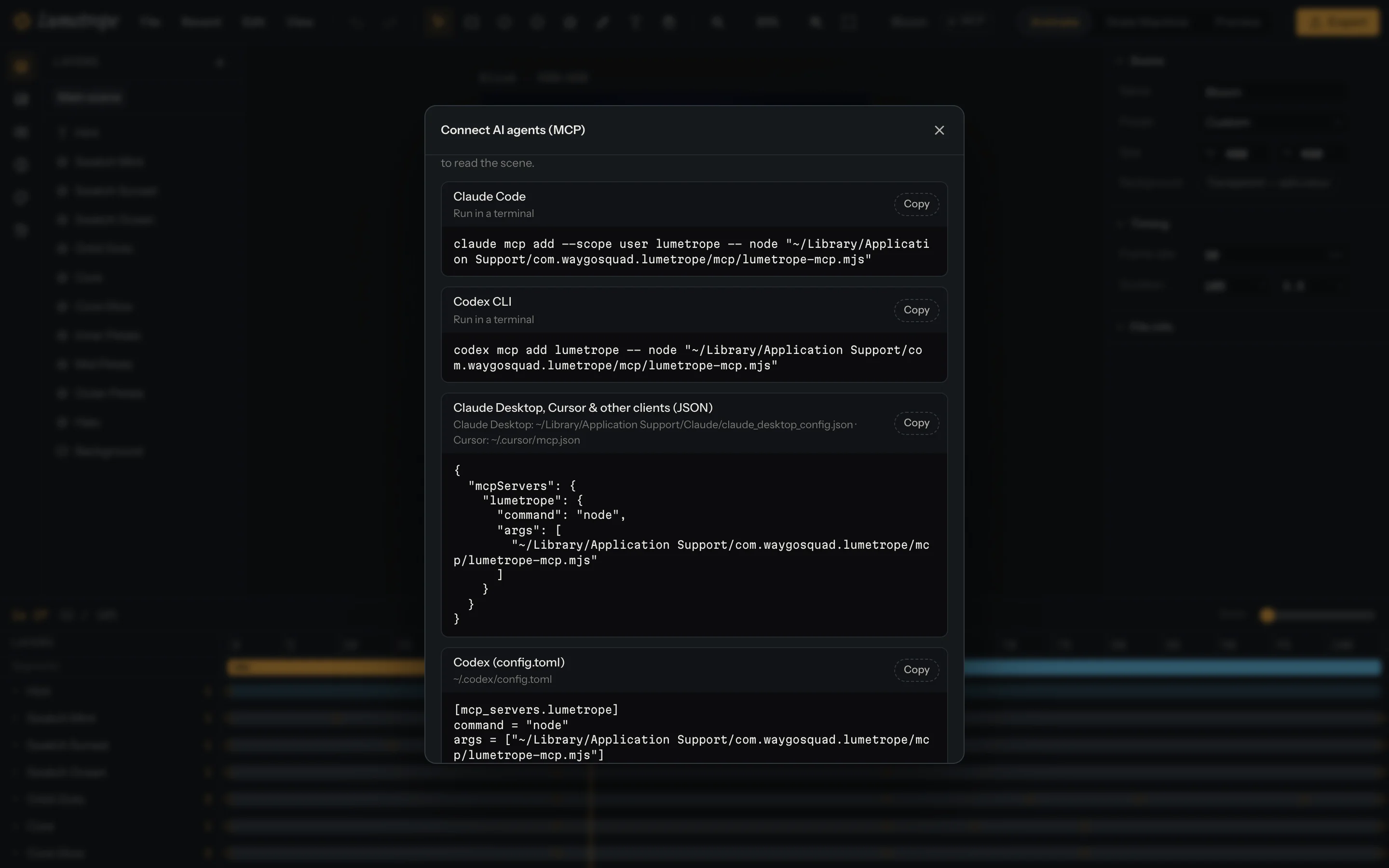
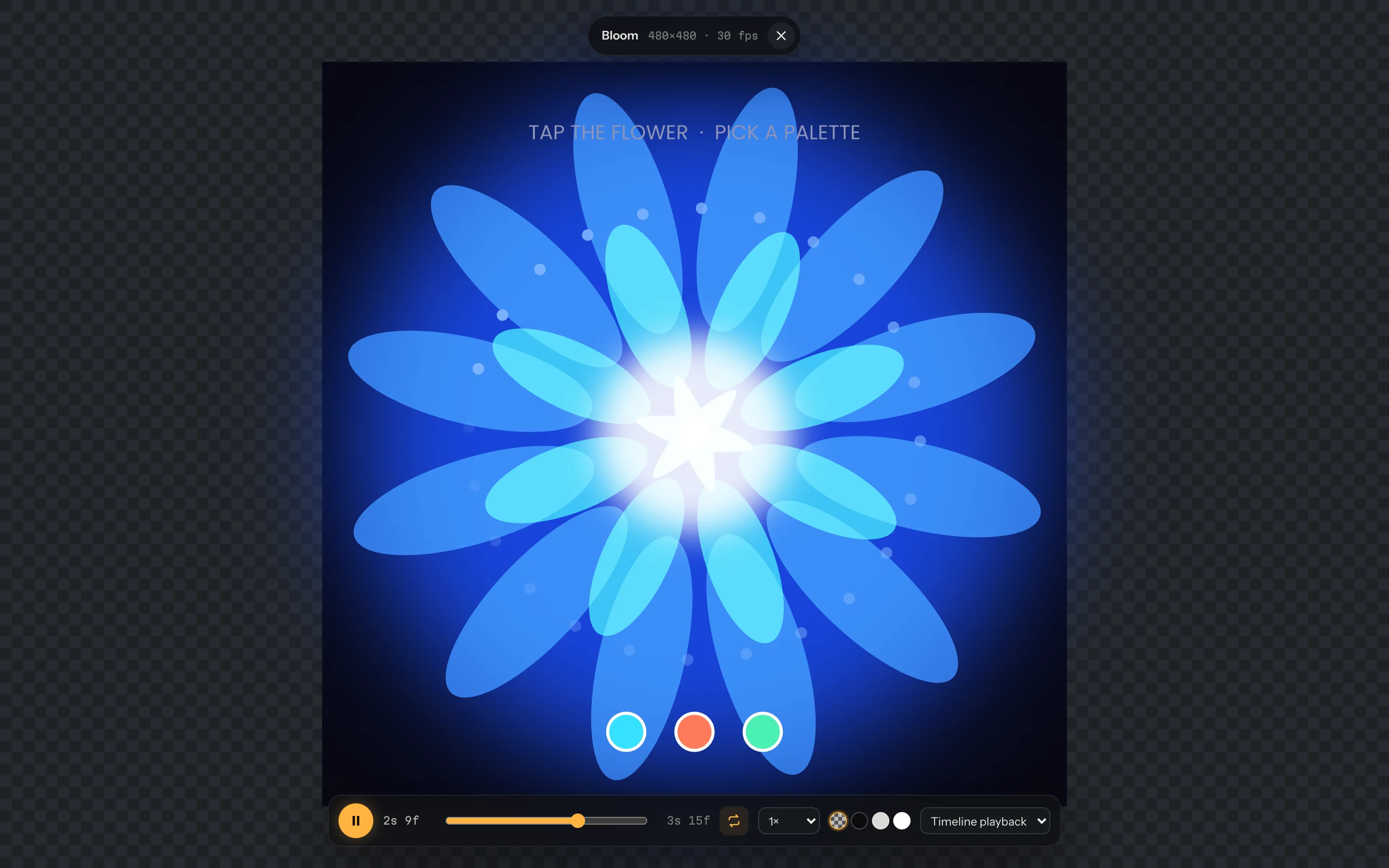
Slide 1 of 8: Start from a preset size or a ready-made interactive sample.
Everything between the first keyframe and the last click
Draw, animate, make it interactive and ship it, in one editor. Hover a frame to wake its icon.
Keyframes on a real timeline
Keyframe any property, shape the motion with a curve easing editor and presets, and mark named segments you can play or trigger later.
State machines you can see
Wire states, transitions, guards and inputs on a node graph, then click and hover the live preview to test them for real.
MCP for AI agents
More than 100 tools let Claude Code, Codex, Cursor and other MCP clients read your scene and edit it with you.
Set up MCP
Its own WASM engine and GPU canvas
A Rust engine compiled to WebAssembly evaluates, renders and runs state machines, drawing to the canvas through the GPU. This page runs on it.
Local version history
Save versions, restore any of them, branch and diff. Autosave keeps every version on your device, with no server involved.
GIF, WebP and WebM with alpha
Export transparent GIF, lossless WebP or WebM with an alpha channel, at the size, frame rate and segment you choose.
A desktop app and the web
Native desktop builds for macOS (Apple Silicon and Intel) and Linux (x64 and ARM64). Other systems can build from source or use the web app. The same editor runs in any modern browser with nothing to install.
Themes and slots
Turn colours and other values into slots, group them into themes, and swap them at runtime in the exported dotLottie.







Why make it here
Scroll to turn the drum. A zoetrope is how pictures first learned to move, and it is where the name comes from.

Free and open source
MIT licensed, top to bottom. Read the code, fork it, build it yourself, ship it inside your own product.
Works offline, files stay on your machine
The desktop app needs no connection, and your projects and history live on your device. No account, no uploads.
Interactive output that plays anywhere dotLottie does
State machines and themes ship inside a standard .lottie file, ready for any player that supports dotLottie 2.0.
AI-ready
Connect an agent over MCP and it can build layers, set keyframes and test state machines while you direct.
Download Lumetrope
Version 0.1.1, released . Free and open source, on GitHub.
Windows
Windows 10/11 + WebView2
No Windows build in this release yet. Use the web app, or build it from source.
Linux
WebKitGTK 4.1 ≥ 2.40 · x64 and ARM64
- Debian/Ubuntu x86_64 (.deb)4.0 MB
- Fedora/RHEL x86_64 (.rpm)4.0 MB
- AppImage x86_6486 MB
- Debian/Ubuntu ARM64 (.deb)3.8 MB
- Fedora/RHEL ARM64 (.rpm)3.8 MB
- AppImage ARM6485 MB
Is Lumetrope free and open source?
Yes. Lumetrope is free and open source under the MIT licence, for the desktop app and the web app alike. The bundled Poppins font is under the SIL Open Font License.
What can I open, save and export?
It opens Lottie JSON (.json), dotLottie (.lottie) and SVG files. It saves dotLottie and Lottie JSON, and exports animated GIF, WebP and WebM with transparency.
Can I make interactive animations?
Yes. Lumetrope builds dotLottie 2.0 state machines on a node graph: states, transitions, guards, inputs and interactions such as click, hover and pointer moves. The live preview lets you click and hover the real animation to test it.
Will my animations play outside Lumetrope?
Yes. Lumetrope writes standard Lottie JSON and dotLottie 2.0 files, so they play in any player that supports those formats. State machines and themes travel inside the .lottie file and need a player that supports dotLottie 2.0 state machines.
Where are my projects stored?
On your device. Projects and their version history are kept locally with autosave. There is no Lumetrope server and no account to create.
Does it work offline?
The desktop app works fully offline. The web app is a static site that needs to load once in your browser.
Which platforms does it run on?
Desktop builds are published for macOS (Apple Silicon and Intel; .dmg) and Linux (x64 and ARM64; .deb, .rpm and AppImage). They need macOS 11 or newer; Linux with WebKitGTK 4.1 version 2.40 or newer. Other platforms can build from source (https://github.com/thisisprabhat/lumetrope/blob/main/BUILD.md) or use the web app. The web app runs in Chrome and Edge 91+, Firefox 89+ and Safari 16.4+.
Can an AI agent use Lumetrope?
Yes, through MCP. The lumetrope-mcp server gives agents such as Claude Code, Codex, Cursor and Claude Desktop more than 100 tools to read and edit the open animation. It needs the desktop app, or a copy of Lumetrope served from localhost, plus Node.js 20 or newer.
Does it keep a version history?
Yes. You can save versions, restore any of them, branch and diff. History lives in local storage on your device, so keep important work saved to a file as well.
Why does my computer warn me when I first open the app?
Builds that are not signed or notarized trigger Gatekeeper on macOS and SmartScreen on Windows. On macOS, right-click the app and choose Open; on Windows, choose More info and then Run anyway. The install guides cover each step.
Can I host the web app myself?
Yes. The web app is a folder of static files with no backend. Serve it over https from any web server, ideally with .wasm files sent as application/wasm.